

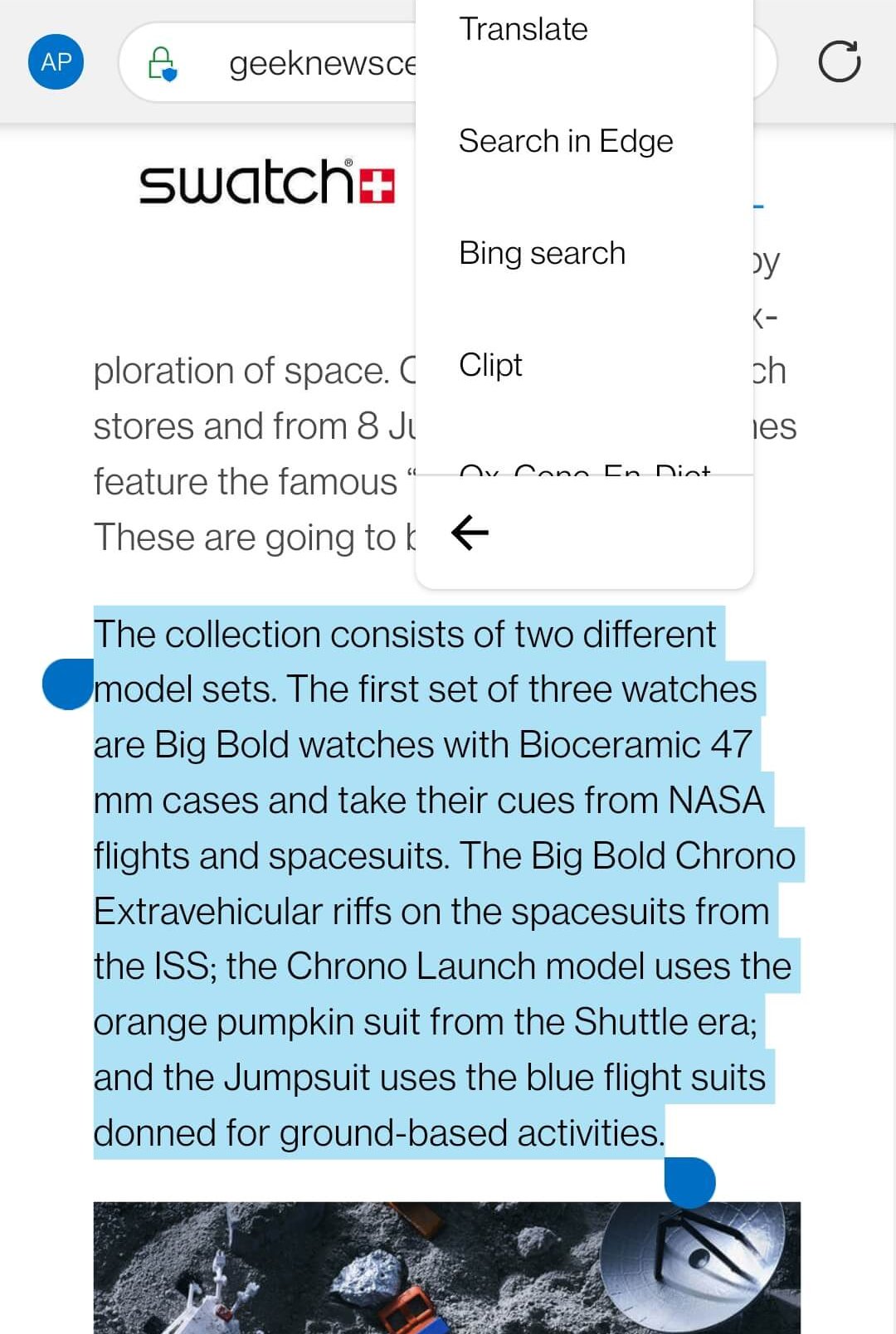
Clipt works with four different types of material – text, links, images and files – in slightly different ways but it’s really effective. For sending text and links from your phone or tablet to a PC, Clipt extends the built-in copy’n’paste function to offer a “Clipt” menu option which will push out whatever is highlight. For images, you use the Share to…..Clipt, and for files, Clipt works with the Files app to browse and find files.
On the browser side, the pinned Clipt extension brings in the transferred material almostly instantanously. I can get a picture I’ve discovered on the web on my phone into a Word document on the PC in three taps / clicks. On phone (tap 1) Share to… (tap 2) Clipt and finally on PC (click 3) Paste. It really is that simple.
You can go the other way too. Say you’ve found a funny clip on your PC but you want to send it via WhatsApp on your phone. Copy the link and Clipt will have it ready for you on your phone to simply paste into WhatsApp.
It’s brilliant if you’re one of these people who are constantly juggling PCs, Chromebooks, tablets and phones. I’d really recommend trying Clipt.


Composition is a Mondrian-esque wallpaper that uses rectangles to represent the relative proportion of time spent in each activity area. Radial is a soft blend of colour, almost like an artist’s palette, that morphs during the day. Last, Glow uses concentric rings to show busy-ness.

Regardless of which visualisation you like, you can quickly get an idea of your activity and if you’re over doing it when it comes to your social networking or gaming.
That’s three useful apps from the team at OnePlus. I’d particular recommend Clipt and I have WellPaper running on my OnePlus 9 as I write.